
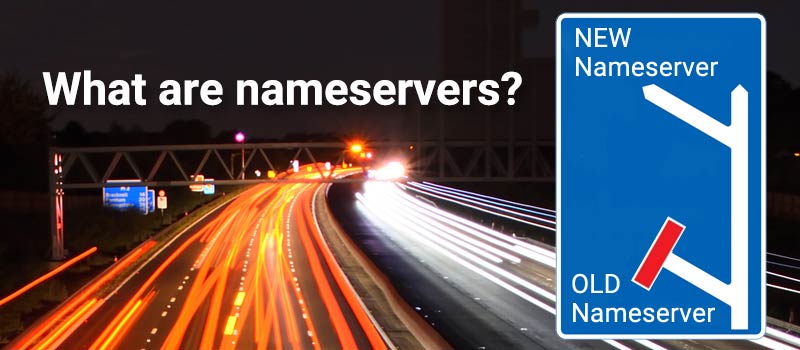
Think of nameservers as the GPS of the internet.
When you type a website name into your browser, your computer doesn’t actually know where that site lives. Computers speak in numbers (IP addresses), while humans speak in words. Nameservers sit in the middle and do the translating so you don’t have to.
How It Works
Imagine you want to visit a friend. You know their name, but you don’t know their street address. You look them up in a digital phonebook to find out exactly where they live.
Nameservers are that phonebook. They take a name like yourbusiness.com and tell the internet, “Oh, that website is located at this specific number: 192.0.2.1.”
The Essentials (In Plain English)
The “Traffic Director”:
Nameservers don’t just find your website; they also point your emails to the right inbox and make sure your subdomains (like blog.yoursite.com) go to the right place.
The Power Pair:
You’ll almost always see nameservers in pairs (like ns1.host.com and ns2.host.com). This is a backup system—if one server is having a bad day, the second one steps in so your site stays online.
The “Moving” Phase:
When you switch web hosts and update your nameservers, the rest of the internet needs a moment to learn the new “address.” This is called propagation. It’s like filing a change-of-address form at the post office; it can take anywhere from a few hours to two days for the update to reach every corner of the globe.
Why Do You Need to Know This?
Whenever you buy a domain or move your website to a new hosting company, you’ll be asked to “point your nameservers.” This is simply you telling the internet: “Hey, my website moved! If anyone asks for me, send them to this new address.”
Without them, we’d all be stuck memorizing long strings of random numbers instead of easy names.