Level Up Your Site: The Ultimate Guide to WordPress Plugins
If your website is built using WordPress, think of plugins as the extra gadgets and goodies that turn a standard car into a high-tech off-roader, a luxury sedan, or a racing machine.
Whether you’re a total beginner or just looking to polish your site, understanding plugins is the fastest way to get your website doing exactly what you want it to do—without touching a single line of code.
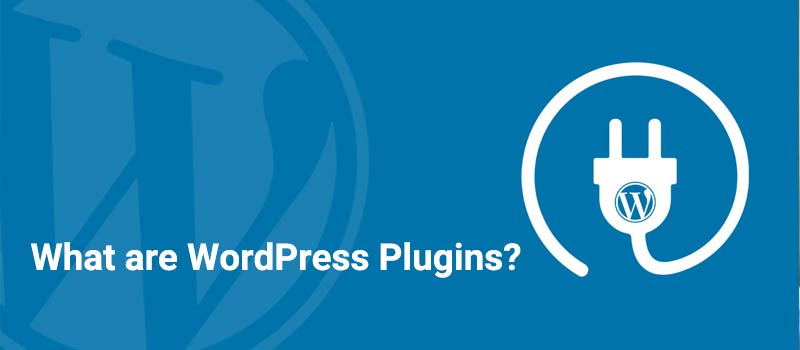
What Exactly Is a WordPress Plugin?
In simple terms, a plugin is a miniature piece of software that “plugs into” your WordPress site to add new features or expand what it can already do.
WordPress is designed to be lightweight and flexible right out of the box. Instead of cluttering the core software with every possible feature, it allows you to choose exactly what you need.
- Need a contact form? There’s a plugin for that.
- Want to sell products? There’s a plugin for that (it’s called WooCommerce).
- Want to speed up your site? Yep, there are plugins for that too.
Where Do You Find Them?
There are two main “neighborhoods” where you can go shopping for plugins:
The Official WordPress.org Repository (Free)
This is the safest and most popular place to start. You can access it directly from your WordPress dashboard by going to Plugins – Add New.
There are over 60,000 free plugins here, and every single one goes through a basic security check before being listed.
Premium Marketplaces & Developer Sites (Paid)
Sometimes, you need more advanced features or dedicated tech support. This is where “Premium” plugins come in. You can buy these from:
- Marketplaces: Like CodeCanyon.
- Directly from Developers: Companies like WPForms, Yoast, or Gravity Forms.
Pro Tip: Avoid “nulled” (pirated) versions of paid plugins from sketchy websites. They often contain malware that can hijack your site!
How to Choose the Best (and Avoid the Duds)
With thousands of options, it’s easy to get overwhelmed. To pick a winner, look for these five “Trust Signals” on the plugin’s page:
Feature – What to Look For – Why It Matters
- Active Installations Look for thousands, not dozens. It shows the plugin is popular and reliable.
- Star Ratings Aim for 4.5 stars or higher. Real users are telling you if it actually works.
- Last Updated Within the last 3-6 months. Shows the developer is still keeping it secure and bug-free.
- Tested Up To Matches your current WordPress version. Ensures the plugin won’t “break” your site after an update.
- Support Forum Check if questions are being answered. You want to know someone will help if things go sideways.
A Golden Rule: Less is More
While plugins are awesome, don’t go overboard!
Every plugin you add is extra code for your website to load. If you install 50 plugins, your site might start to feel like it’s walking through honey.
Our advice:
Only install what you truly need. If a plugin isn’t serving a purpose any more, deactivate and delete it to keep your site lean and mean.